If you need to transfer or distribute multiple leads from one user to another, Salesgem allows you to reassign leads in bulk. This helps save time and ensures leads are assigned to the appropriate team members efficiently
Log in to salesgem agent account
steps:
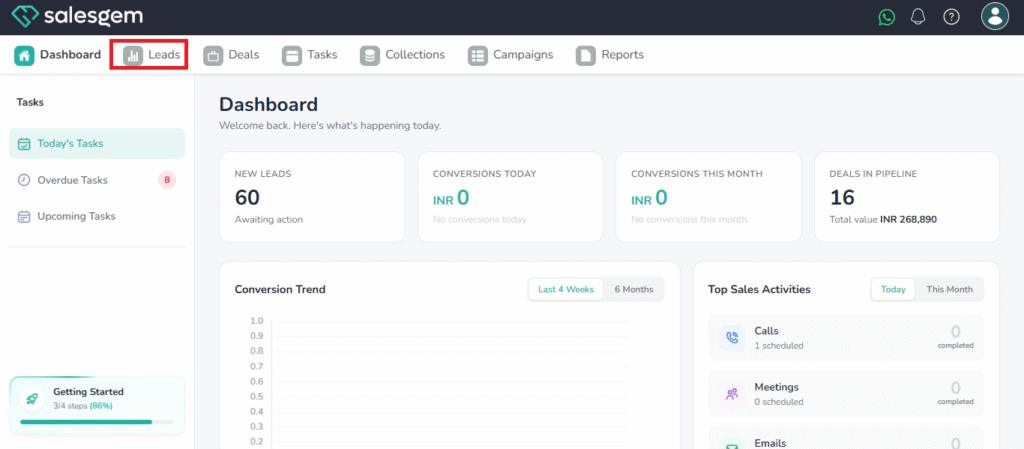
- Click on leads
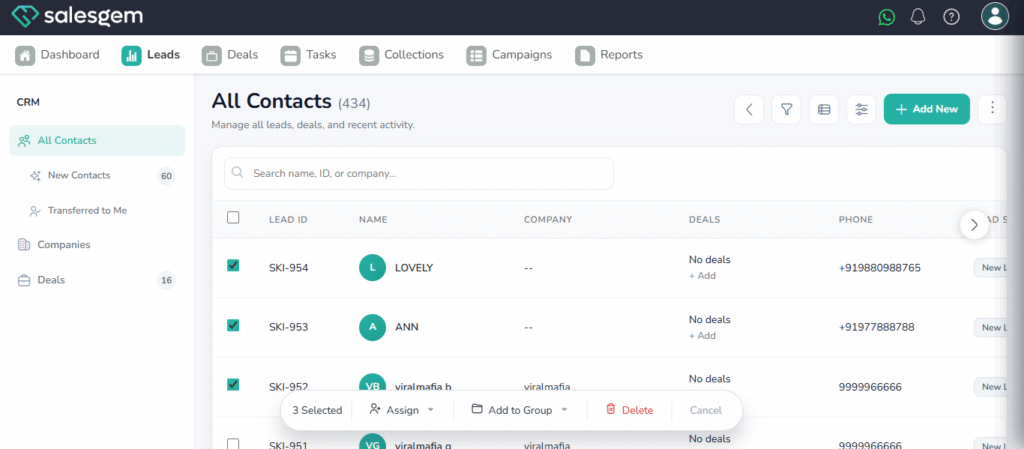
2. Select the leads that you want to reassign by ticking on the left side of lead
3.Click on Assign and choose the assignee
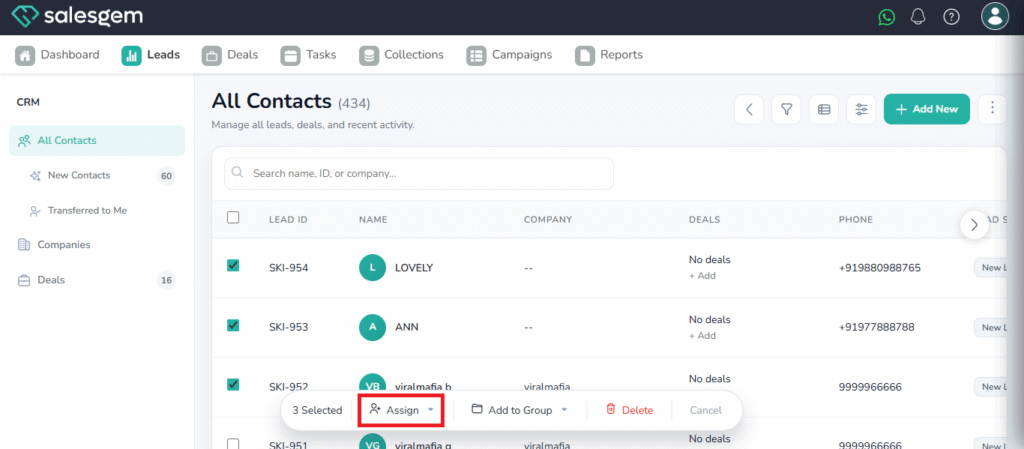
Now the lead is assigned to the specific user