What are Leads in Salesgem?
In Salesgem, Leads are potential customers who have shown interest in a product or service or have provided their contact information through sources such as website forms, social media, advertisements, or other lead-generation channels. The Leads section helps businesses store, organize, and manage all potential customers in one place throughout the sales process.
How are Leads useful for your business?
Leads help sales teams track potential customers, manage follow-ups, update lead status, assign leads to sales representatives, and monitor the progress of each lead. For example, if a customer submits an enquiry for a property through a Facebook advertisement, the customer’s details can be captured as a lead in Salesgem. The sales representative can then contact the customer, update the lead status based on their interest, schedule follow-up tasks, and continue managing the lead until it is converted into a sale. This helps businesses avoid missing enquiries, maintain proper follow-ups, and manage the overall sales process more efficiently.
STEPS TO SEARCH LEAD
Steps:
- Go to Leads.
- Enter the lead name, email, or phone number in the search bar.
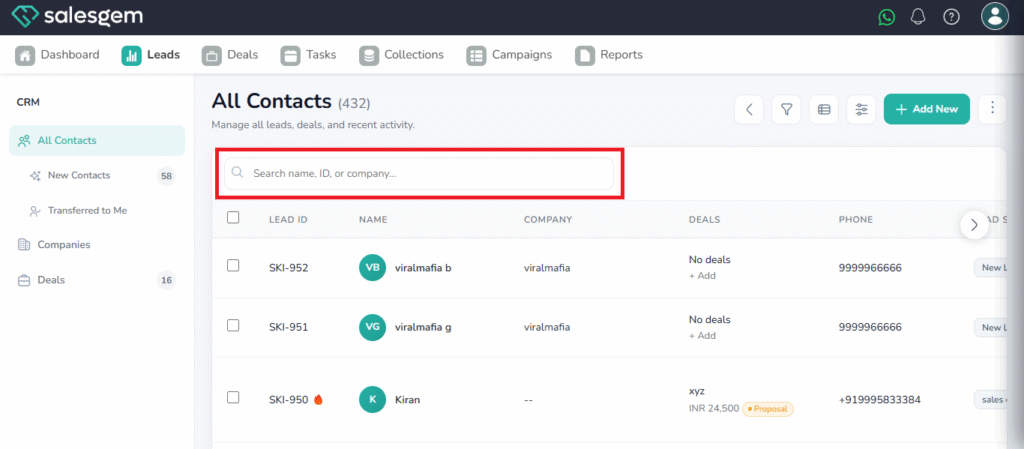
4. Press Enter.