To reassign a lead, select it, change the assigned agent, and save.
This ensures the right salesperson is handling the right prospect.
Steps:
- Go to Leads.
- Select the lead.
- Change the assigned agent.
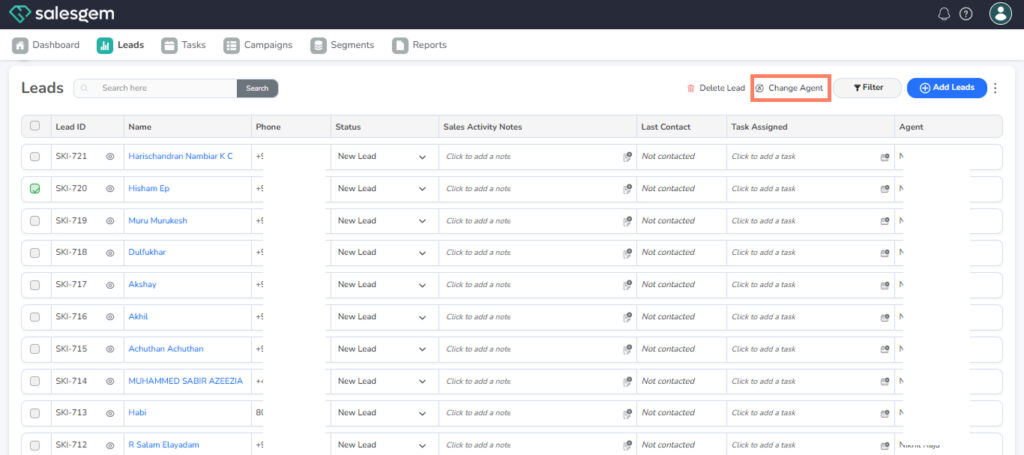
4. Confirm & Save.
In Salesgem, a lead can be reassigned to another user from the detailed lead view. By editing the assigned user field, administrators or managers can choose a new team member to handle the lead. Once updated, the new user will have full access to the lead and can continue follow-up seamlessly. This feature ensures smooth workload distribution and avoids delays in lead nurturing.