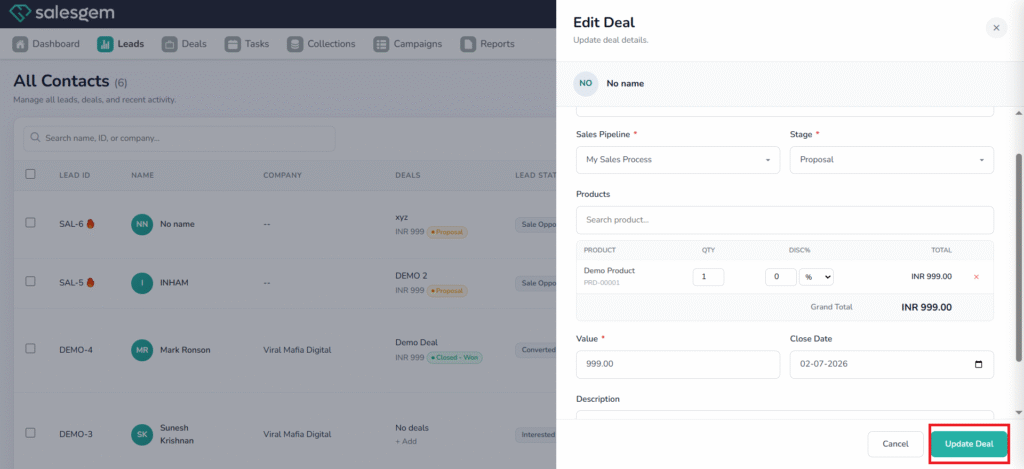
We can edit existing deals in salesgem by following the process:
Steps:
- Log in to your Salesgem account.
- Click on leads
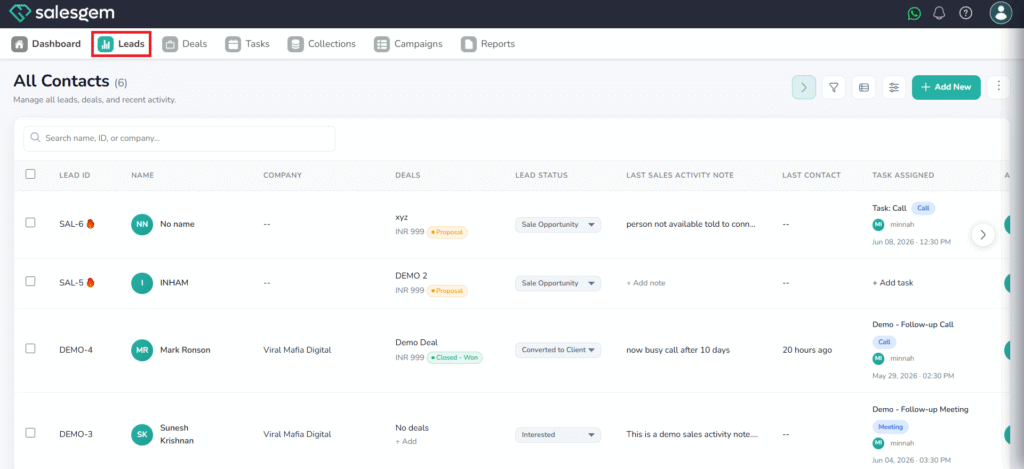
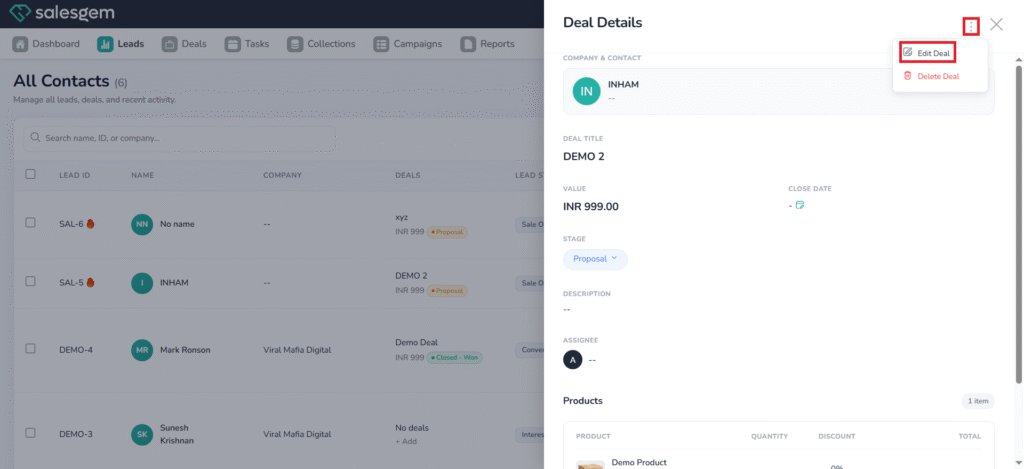
3. Choose the desired deal to edit
4. Click the three dots on the right-hand side
5. Choose Edit deal
6. Edit the portion you need to edit
7. Click on Update lead