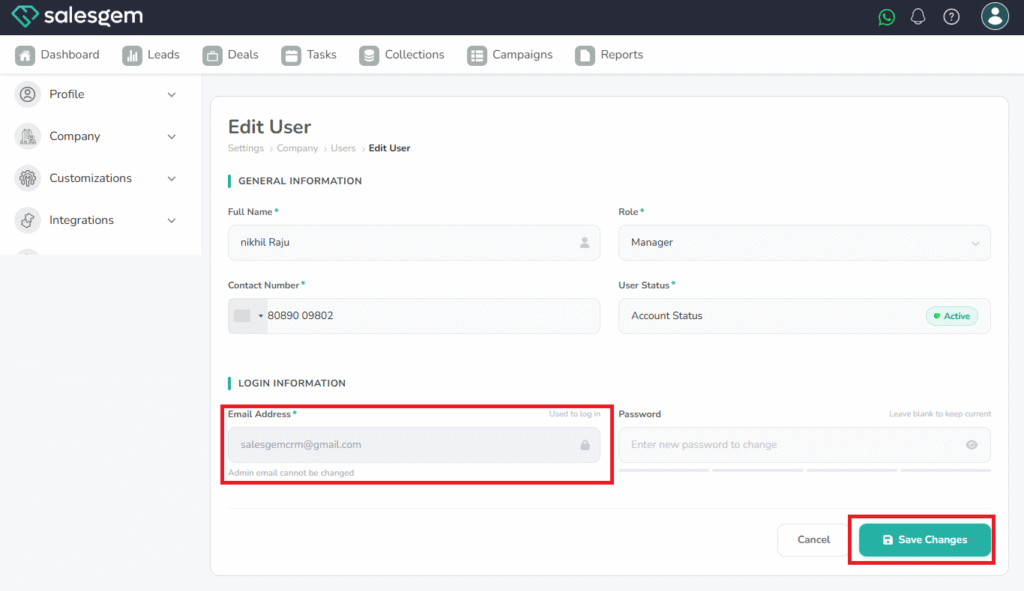
To change the Email ID of users in salesgem, log in to the Admin account
steps:
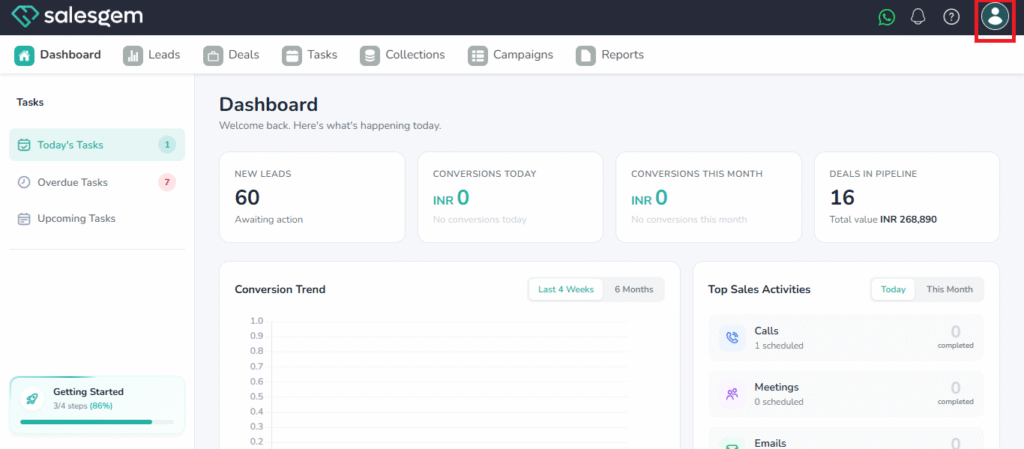
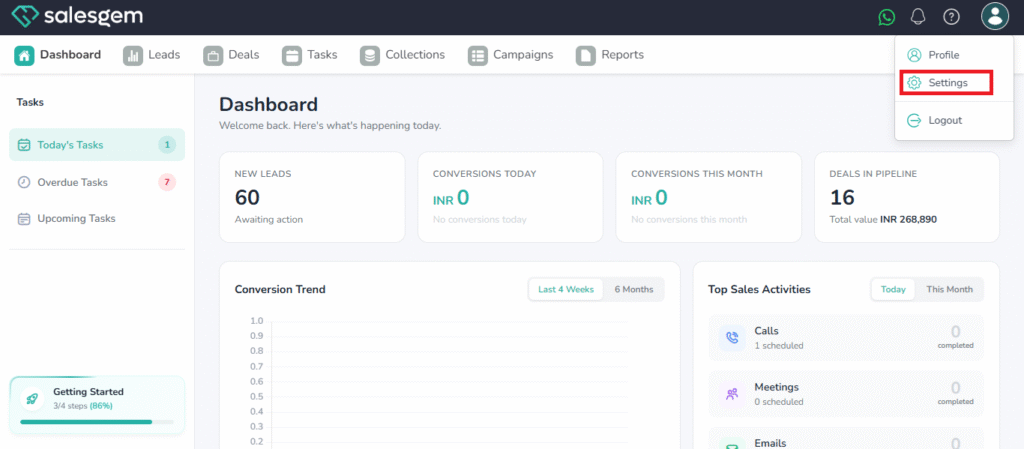
- click on the profile icon in the top right corner and select settings
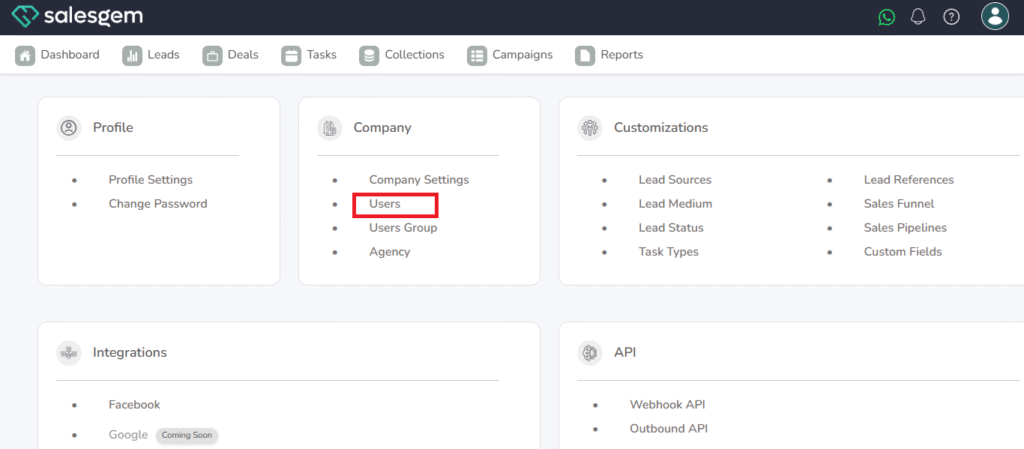
2. click on users under company.
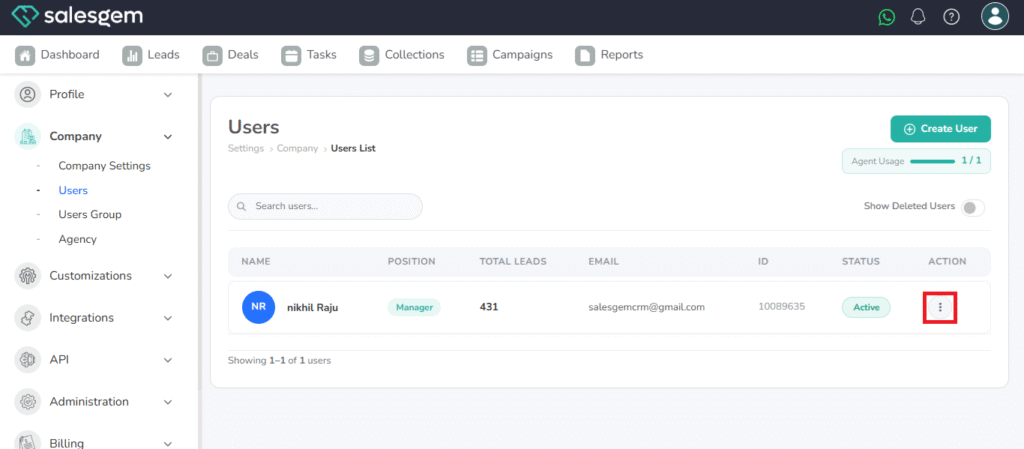
3. Choose the user you want to change the Email ID for
4. Click on the three dots near that user
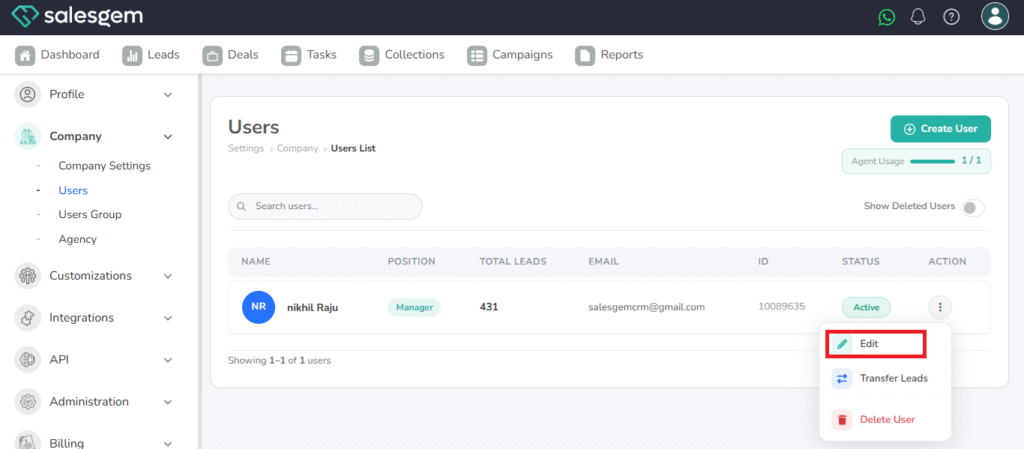
5. Select Edit
6. Enter the email ID
7. Click on save changes