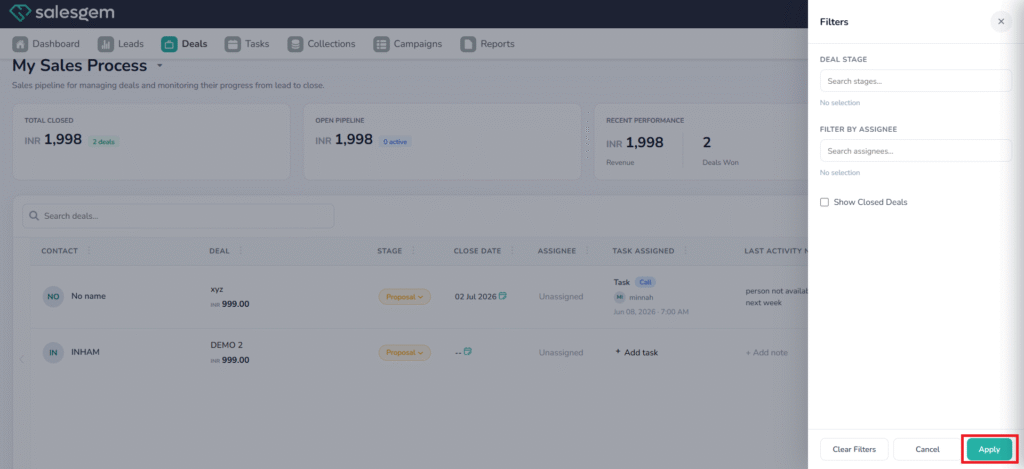
What is Filter in Salesgem?
In Salesgem, Filter is a feature that helps users find and view specific leads or records based on selected conditions. Instead of going through the entire list, the sales team can apply filters such as lead status, lead source, assigned user, location, date, product, or other available fields to display only the records that match the required criteria.
How is a filter useful to your business?
For example, suppose a real estate company has 1,000 leads in Salesgem and the sales manager wants to see only the leads that are interested in apartments and are currently assigned to the Kochi sales team. By applying the relevant filters, the manager can quickly view only those leads instead of searching through all 1,000 records.
Similarly, the sales team can filter leads based on status, such as New, Interested, Follow-up, or Converted, to identify which leads need immediate attention.
Steps:
- Log in to your Salesgem account.
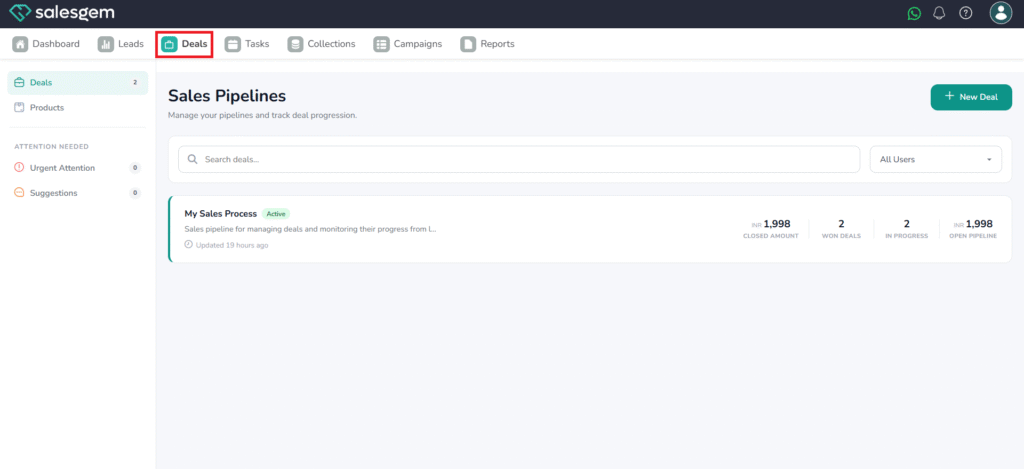
- Click on Deals
- Click on My sales process
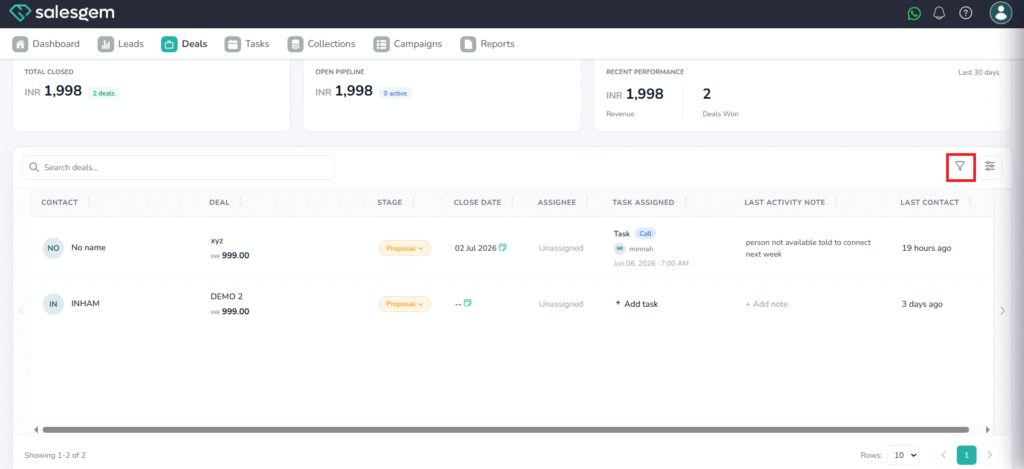
4. We can see the list of deals listed there
5. Click on the filter icon
6. Choose the Deal stage
7. Choose the assignee if needed
8. Click on Apply