Watch video Tutorial
User Groups in Salesgem help you organise members and control permissions easily.
Steps:
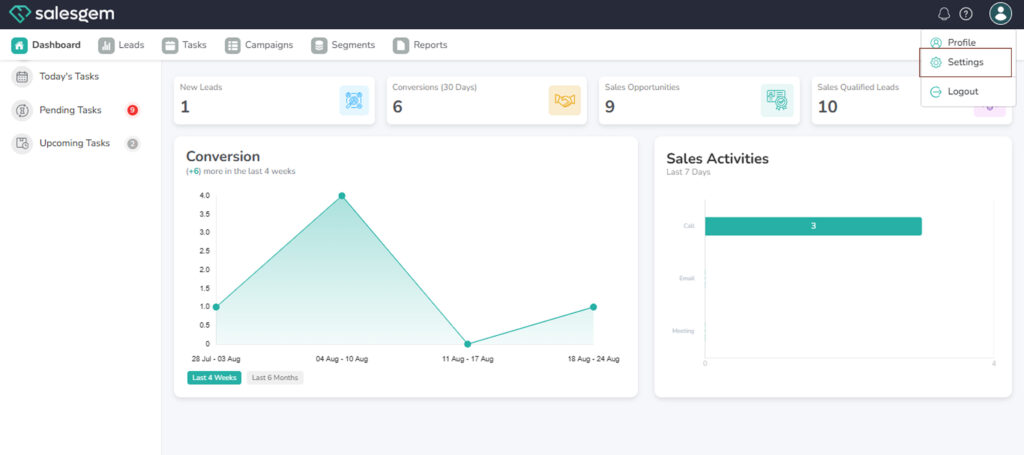
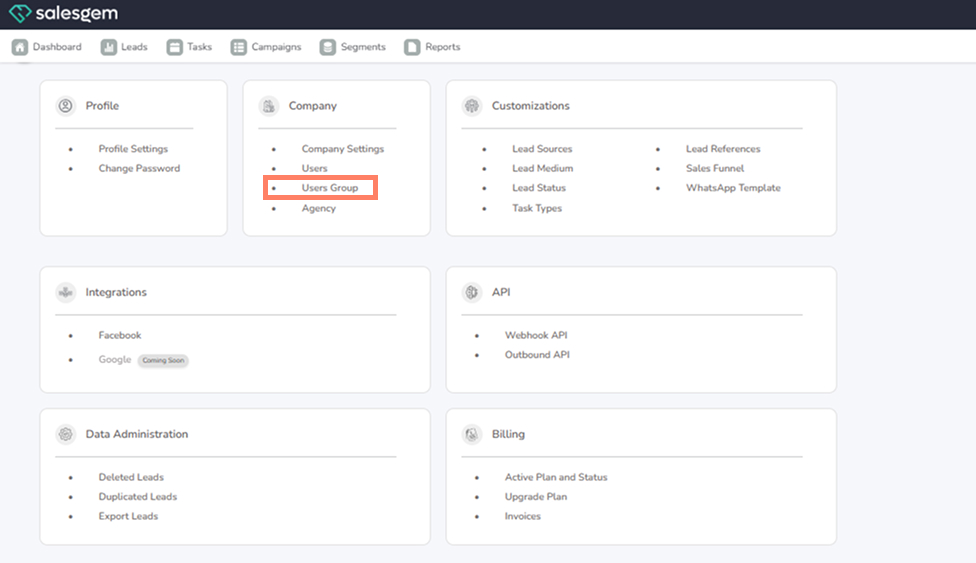
- Go to Settings → Company → User Groups.
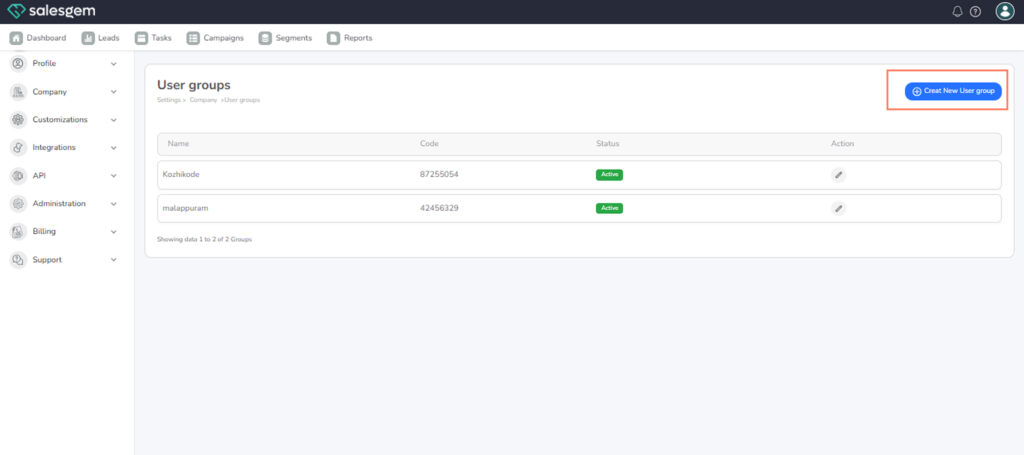
- Click Add Group.
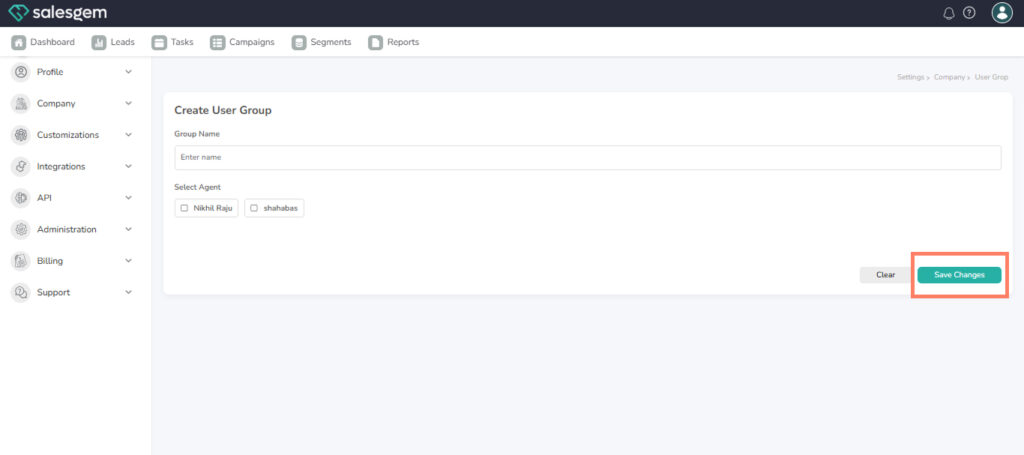
- Enter a group name.
- Add members to the group.
- Assign permissions for the group.
- Click Save.
FAQs:
Q: Can a user belong to more than one group?
A: Yes, they can be added to multiple groups.
Q: Can I delete a group?
A: Yes, but it does not remove the users from Salesgem