Task Types in Salesgem help you categorize and organize the different activities your sales team performs, such as calls, meetings, follow-ups, or demos. Customizing these types ensures consistent tracking, better reporting, and improved productivity across the team.
1.Go to Task Assigned.
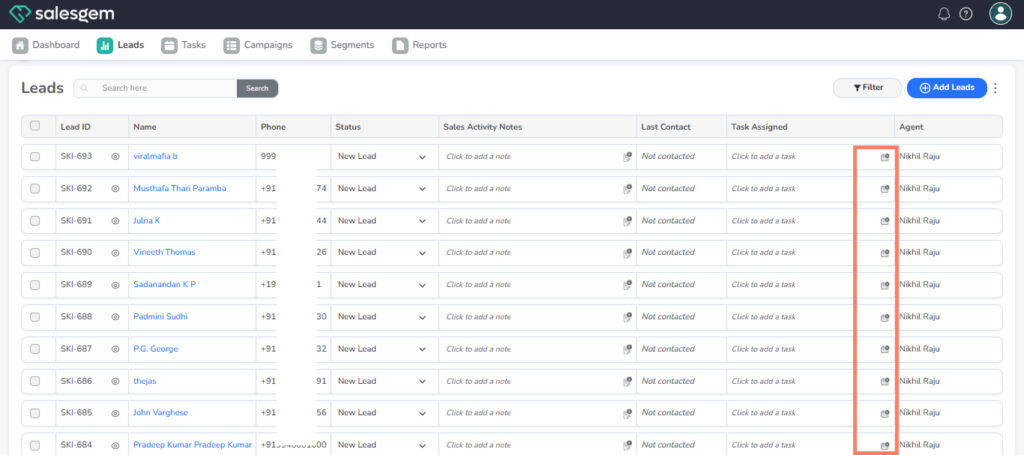
2.Find the task type you want to edit.
3.Click the Edit (pencil) icon.
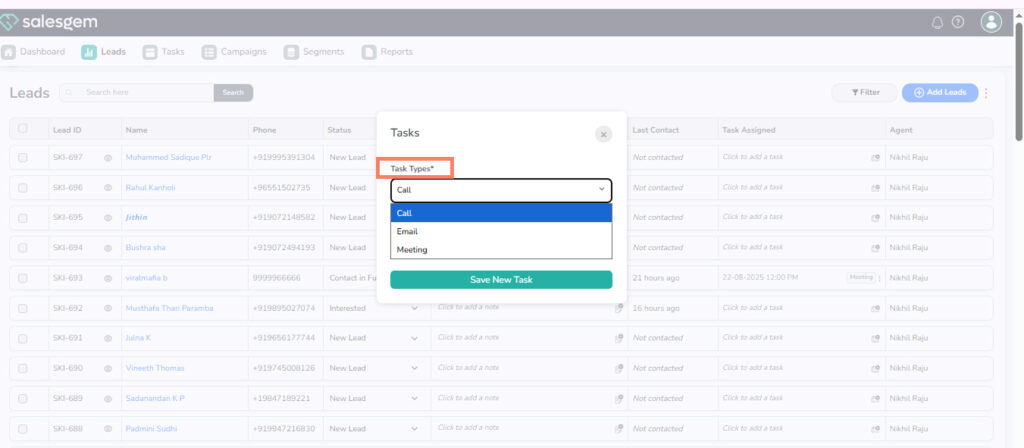
4. Click Save.
Step-by-Step Guide
Add a New Task Type
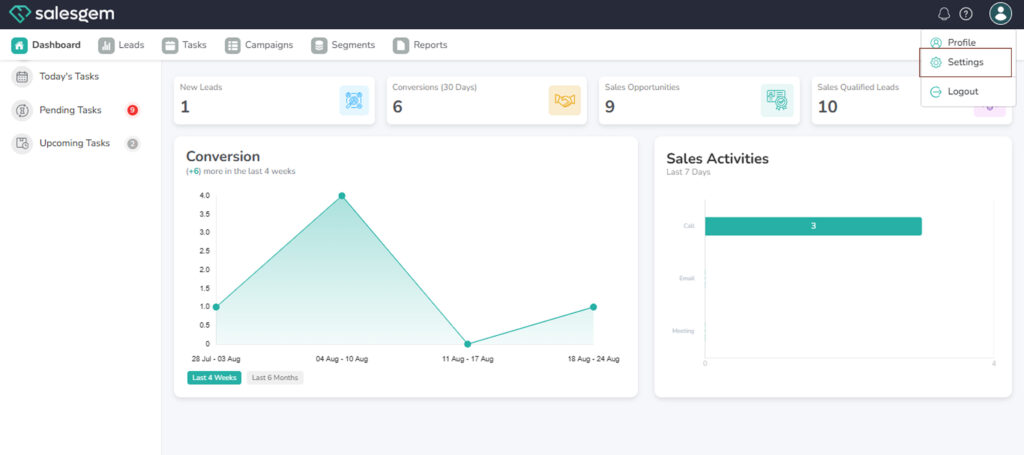
- Navigate to the Settings menu from the left sidebar.
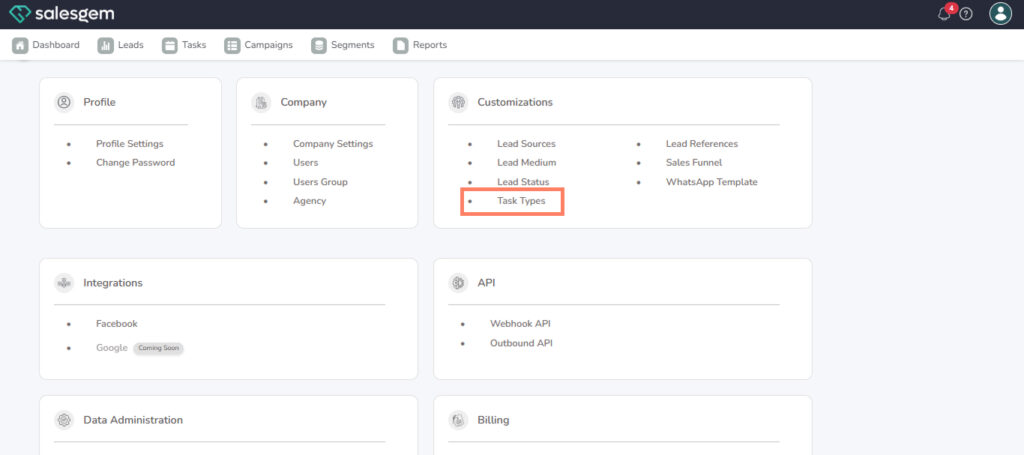
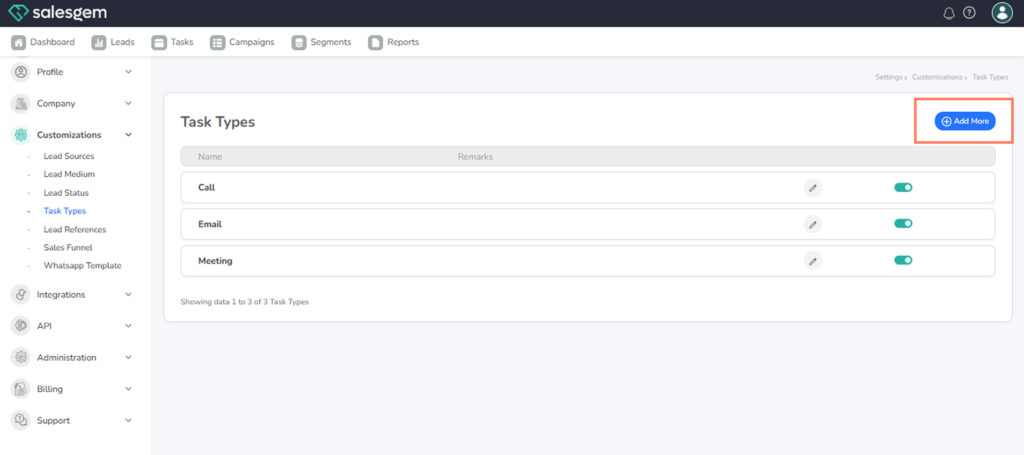
2. Under Lead Customizations, click Task Types.
3. Select Add Task Type.
- Enter the Task Type Name (e.g., Client Call, Email Follow-Up, Product Demo).
Salesgem allows businesses to customize task types to match their sales activities. By going to Customizations → Task Types, users can view the default task categories and edit them to fit their workflow. This includes renaming task types or adjusting their details to make them more specific (for example, changing “Meeting” to “Client Meeting”). Editing task types ensures that sales teams log activities in a way that aligns with company processes, making reporting and tracking more accurate.