You can add new users in Salesgem from the Users List page under Company Settings. This lets you invite team members and assign them roles.
Steps:
- Log in to your Salesgem account.
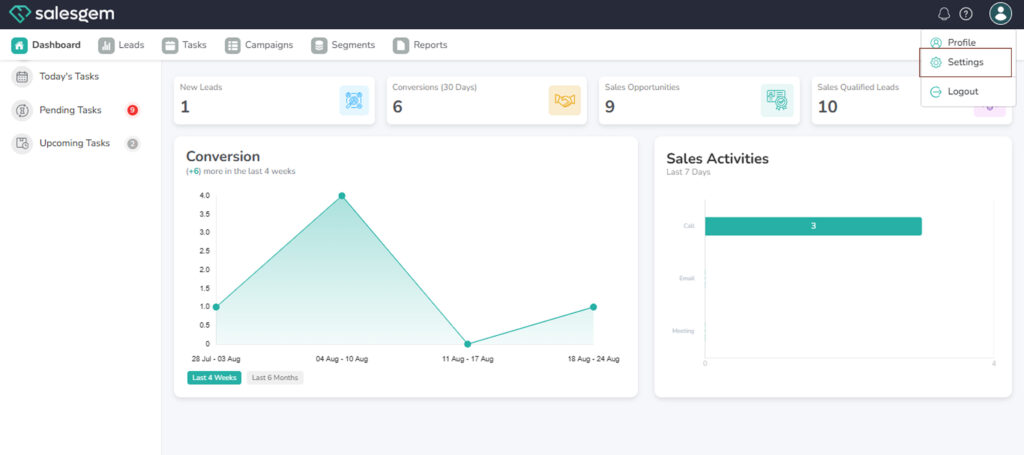
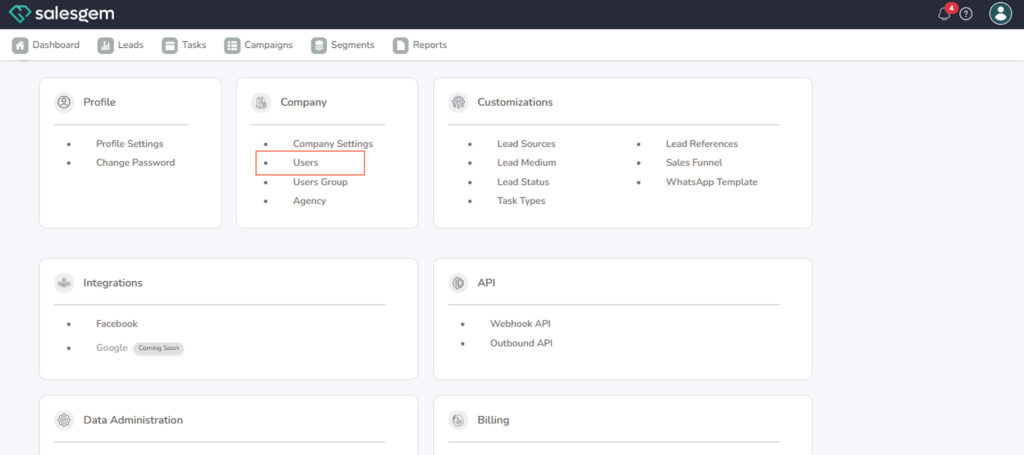
- Go to Settings → Company → Users List.
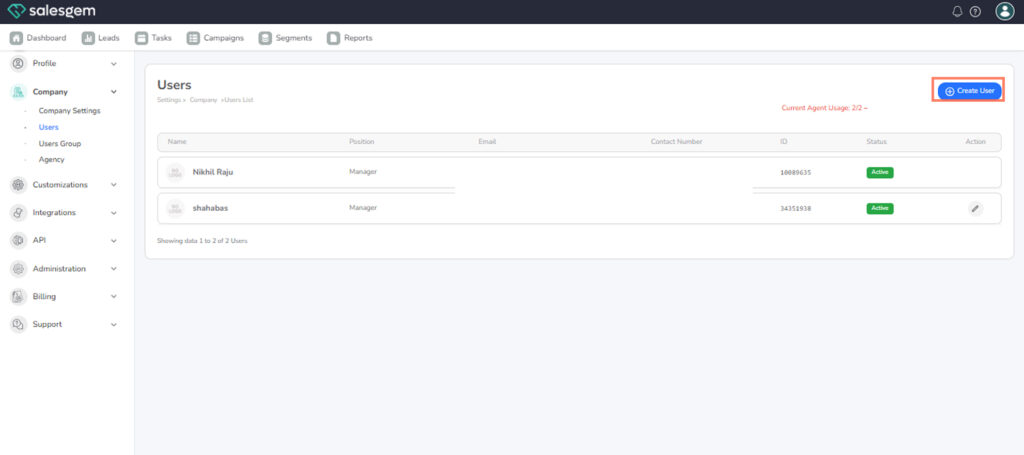
3. Click Add User.
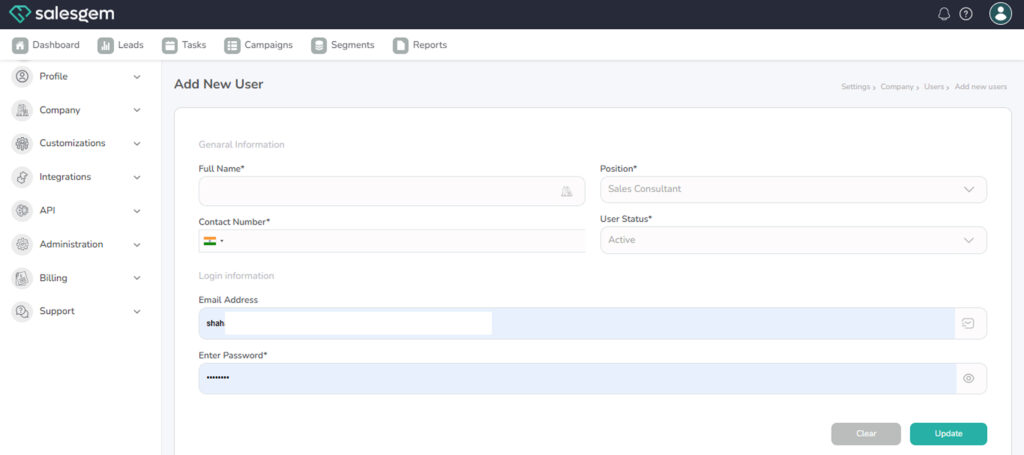
4. Enter the user’s email address.
5. Select the role (e.g., Admin, Manager, Sales Rep).
6. Click Save.
FAQs:
Q: Can I add multiple users at once?
A: Users must be added one at a time.
Q: Will the invited user get an email notification?
A: Yes, they’ll receive an email to set up their account