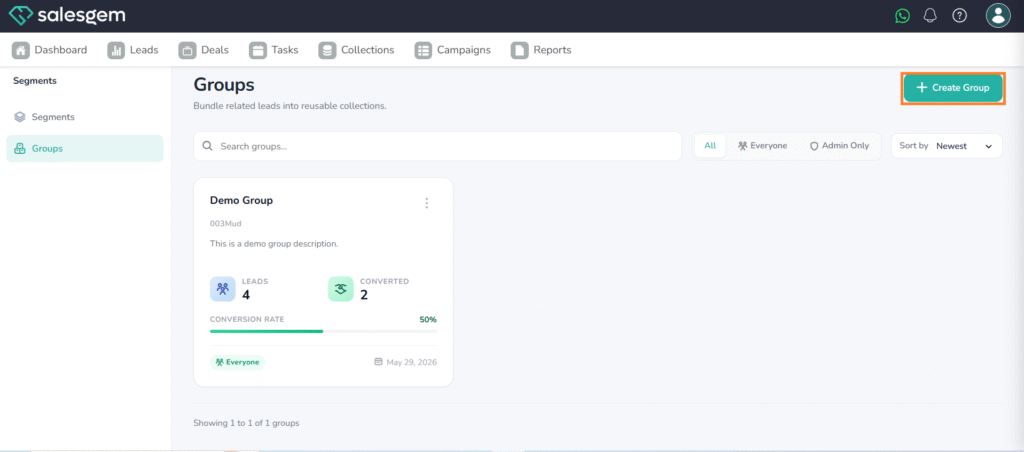
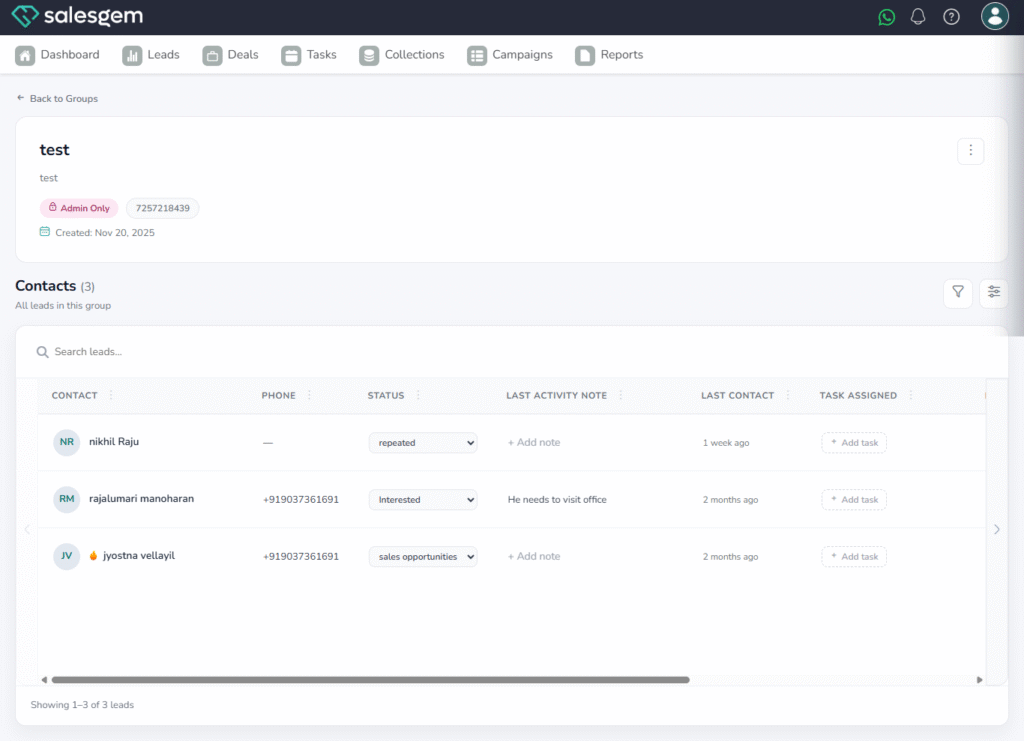
What is a Group in Salesgem?
A Group in Salesgem is a way to organize and categorize leads based on common characteristics, requirements, or business criteria. It helps sales teams manage similar leads together, making it easier to follow up, communicate, and manage leads efficiently.
How is a Group useful?
Groups are useful when you have a large number of leads and want to organize them into specific categories. Instead of managing all leads together, you can create separate groups based on your business requirements.
For example:
Suppose an education company receives leads for different courses. They can create groups such as:
- MBA Course
- CMA Course
- Digital Marketing Course
- Online Students
- Offline Students
If a new lead is interested in the CMA Course, the lead can be added to the CMA Course Group. This makes it easier for the sales team to identify and manage leads interested in that particular course.
Benefits of Groups
- Better lead organization: Categorize leads based on specific requirements.
- Easy lead management: Quickly identify leads belonging to a particular category.
- Targeted communication: Helps businesses communicate with specific groups of leads.
- Efficient follow-ups: Sales representatives can focus on leads within a particular group.
- Improved sales management: Makes it easier to manage and track different categories of leads.
In simple terms, Groups help you organize similar leads together so your sales team can manage, follow up, and communicate with them more efficiently.
In Salesgem, both Groups and Segments are used to organize and manage leads, but they serve different purposes. A Group is used to manually categorize leads based on a common requirement or business category. For example, an education company can create a “CMA Course” group and add all leads interested in the CMA course. A Segment, on the other hand, is used to identify leads based on specific conditions or criteria. For example, a business can create a segment for leads who are interested in the CMA course, have an “Interested” lead status, and are from Calicut. In simple terms, Groups are useful for manually organizing similar leads, while Segments help filter and identify leads based on specific criteria.
HOW TO CREATE NEW GROUP
Steps:
1.Log in to your Salesgem dashboard.
2.Navigate to Collections from the main menu.
3.Click Create New Groups.
4.Fill in the group’s name, criteria, and other necessary details.
5.Click Save to create the groups.
To manage, select a groups from the list and edit or delete as needed