What are Segments in Salesgem?
In Salesgem, Segments are used to filter and organize leads based on specific conditions or criteria. They help businesses identify a particular set of leads that match their requirements, such as lead status, location, source, product interest, or other available lead information. This allows sales teams to focus on relevant leads instead of going through the entire lead list.
How are Segments useful to your business?
For example, suppose an education company has 1,000 leads and wants to focus only on students who are interested in
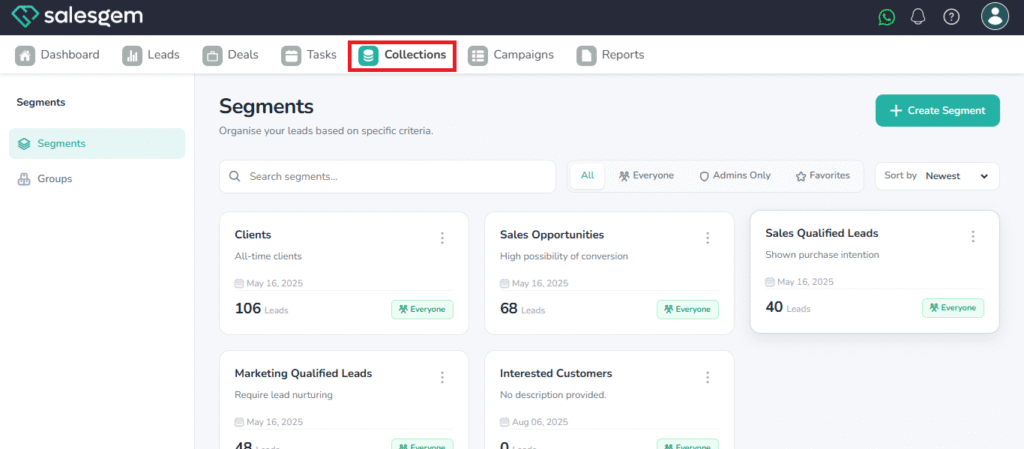
- Go to Collections in Salesgem.
- Select the segment you want to connect.
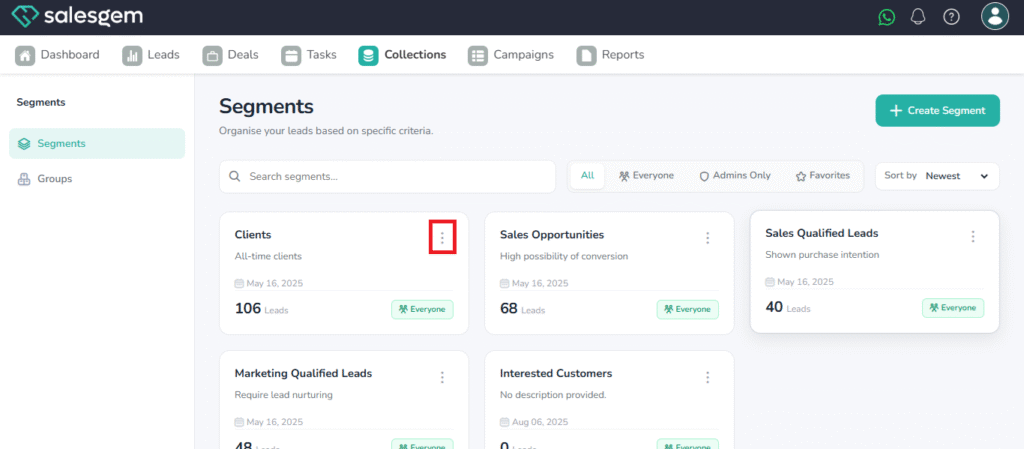
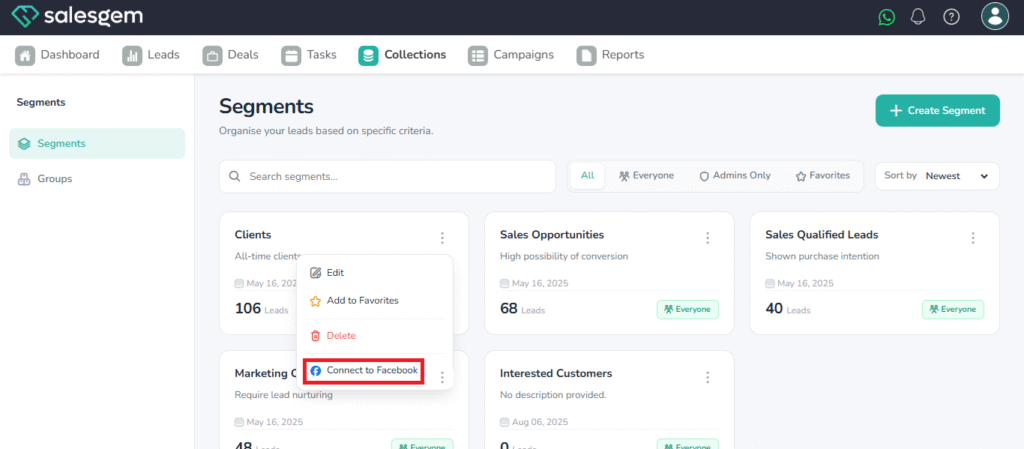
- Click the three-dot menu next to the segment.
- Choose Connect to Facebook.
- Follow the prompts to authenticate and link your Facebook account.
- Once connected, your segment will sync with Facebook Audiences.
FAQs on Salesgem Segments
Q: How often does Salesgem sync segments with Facebook?
A: Syncing is typically real-time or within a few minutes, depending on data size.
Q: Can I connect one segment to multiple Facebook accounts?
A: No, each segment can only be connected to one Facebook account at a time.