This report tracks why a lead’s status was changed, helping sales teams analyze deal progress and identify problem areas.
Steps to View Status Change Reasons Report:
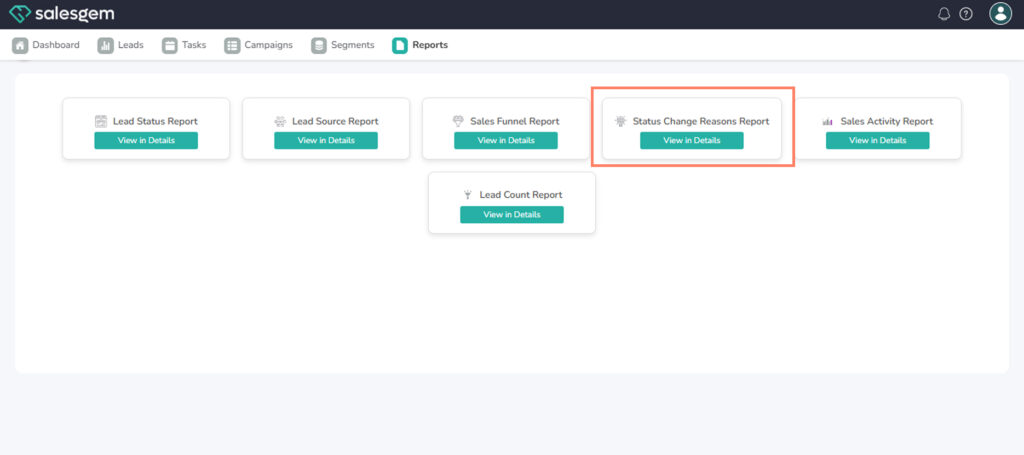
- Open Reports in your dashboard.
- Select Status Change Reasons Report.
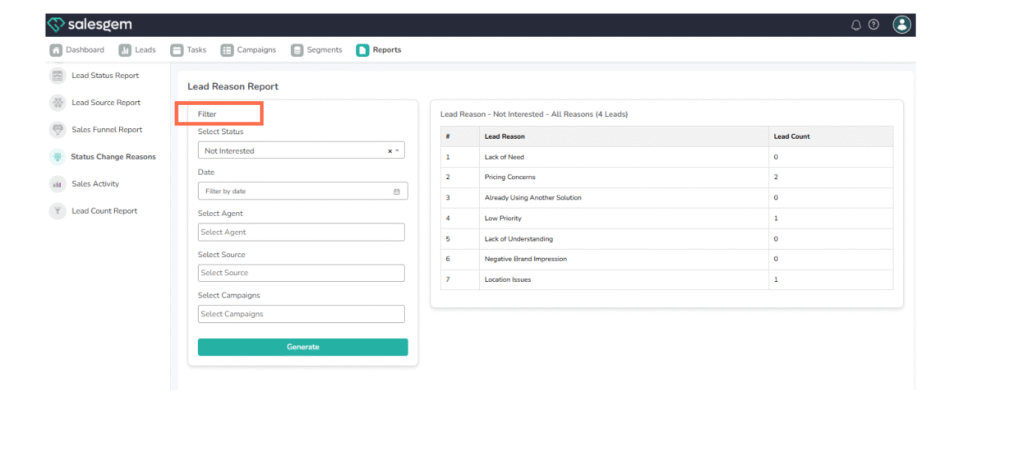
- Choose the date range and filters.
- Review reasons for each status change in the table.
FAQs:
Q3: Can managers filter by specific reason types?
A: Yes, using the reason filter option.
Q1: Can I add custom status change reasons?
A: Yes, in the settings menu under lead management.
Q2: How detailed is the reason tracking?
A: It includes both predefined and custom inputs.