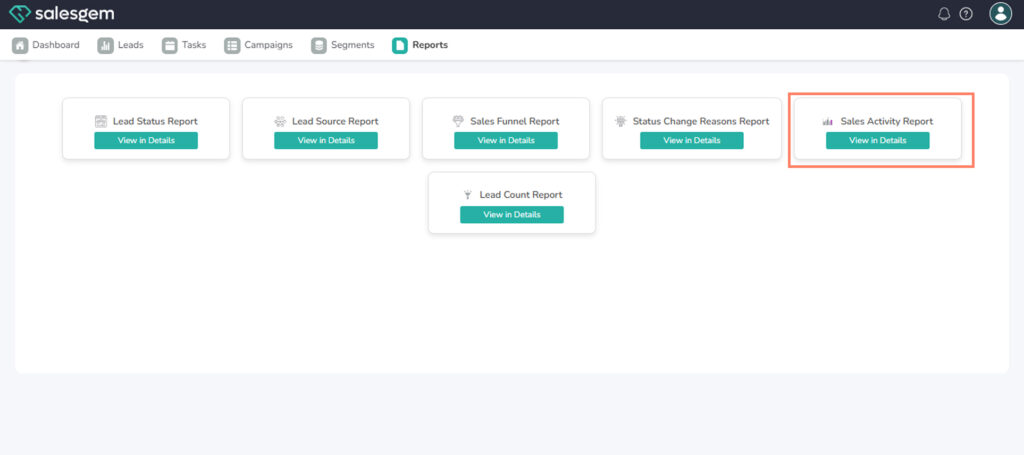
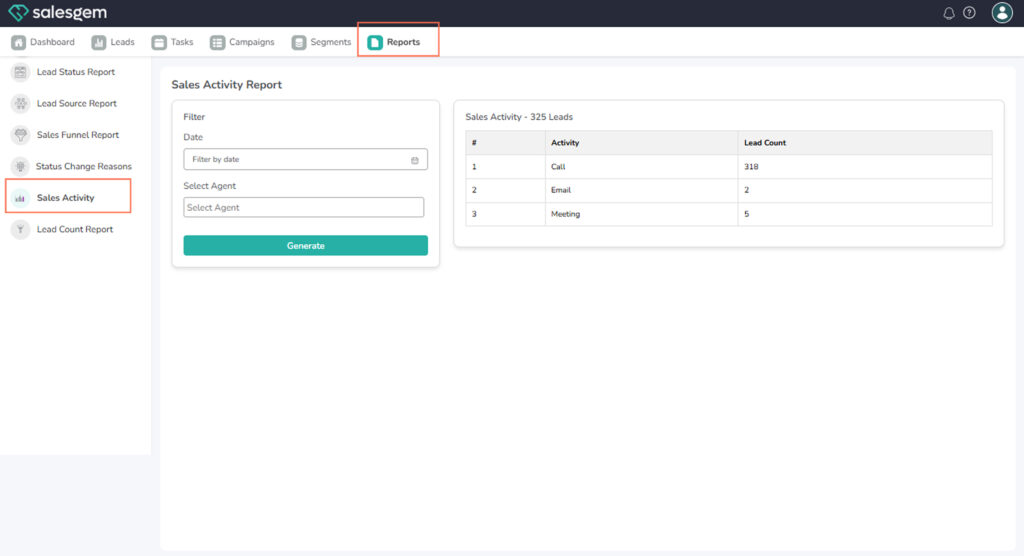
Open Reports > Sales Activity to view a detailed log of all calls, emails, meetings, and tasks completed by the sales team.
Steps to View Sales Activity Report:
- Navigate to Reports.
- Select Sales Activity Report.
- Filter by date, sales rep, or activity type.
- Review charts and tables for activity details.
FAQs:
- Q1: Can I measure individual rep performance?
A: Yes, by applying the user filter. - Q2: Does it include automated tasks?
A: Yes, along with manual activities. - Q3: Can I see overdue tasks?
A: Yes, they appear with red alerts in the report