Step-by-Step Guide
Go to Settings.
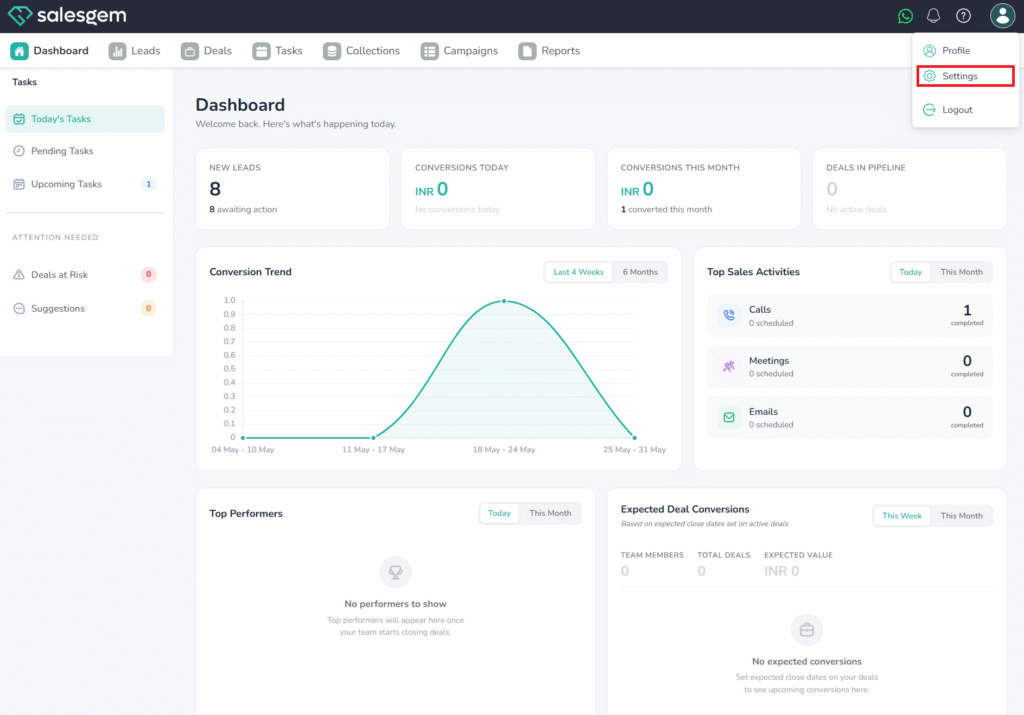
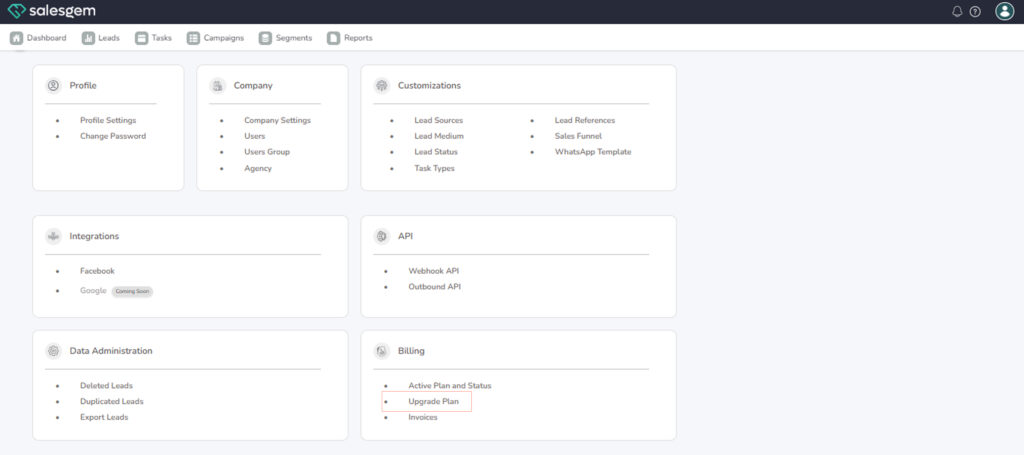
- From the left-hand menu, select Billing.
Click on “Upgrade Plan.
Choose Your Desired Plan.
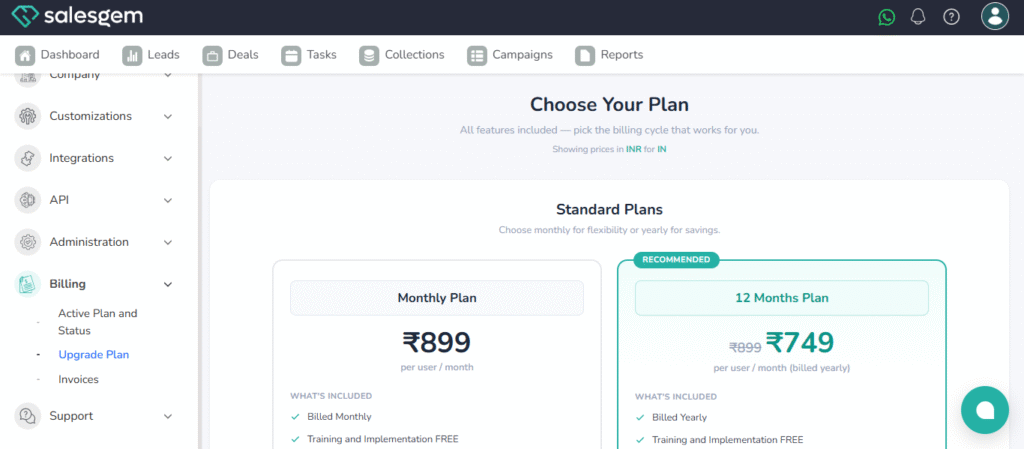
Activate or Upgrade
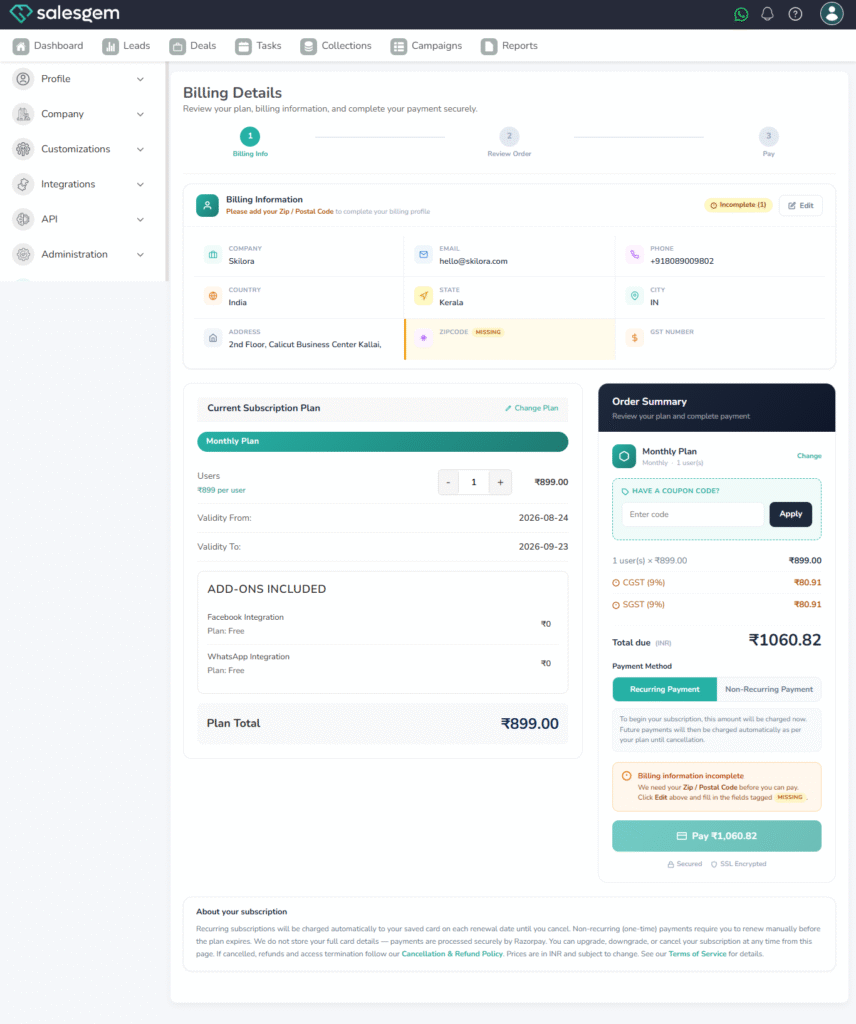
Make the Payment.
- Enter payment details (credit card, online payment, etc.) as per the system’s options.
Confirm and Complete.
- Once payment is successful, your plan will be upgraded immediately.
- You’ll see the updated plan details under Active Plan and Status in the Billing section.
To activate or upgrade your Salesgem plan, navigate to the Billing section in Settings and select Upgrade Plan. Here, you can review available subscription options and choose the one that best fits your business needs. New users can activate a plan for the first time, while existing users can upgrade to a higher tier with more features and capacity. After completing payment, the upgraded plan becomes active instantly, and you can confirm the change under Active Plan and Status. This ensures that your CRM scales along with your business requirements without service interruptions.