The Lead Count Report displays the total number of leads generated within a specific period, segmented by source or owner
Steps to View Lead Count Report:
- Go to Reports in Salesgem.
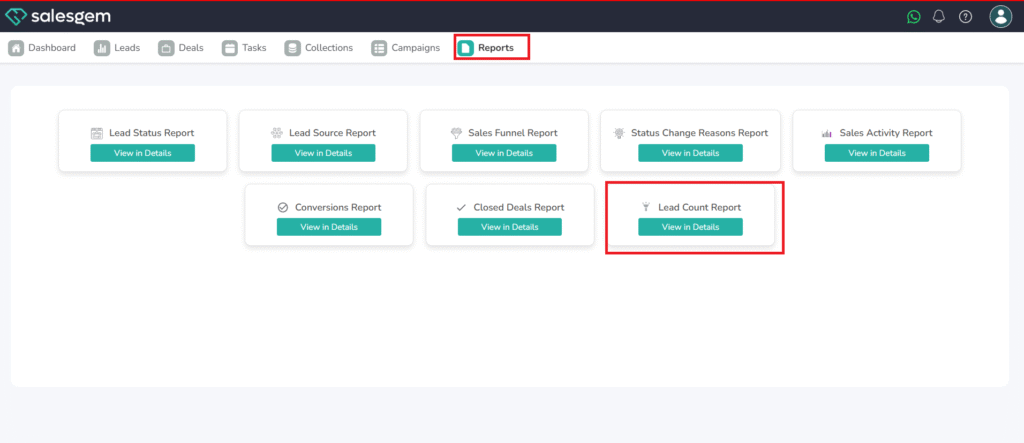
- Select Lead Count Report.
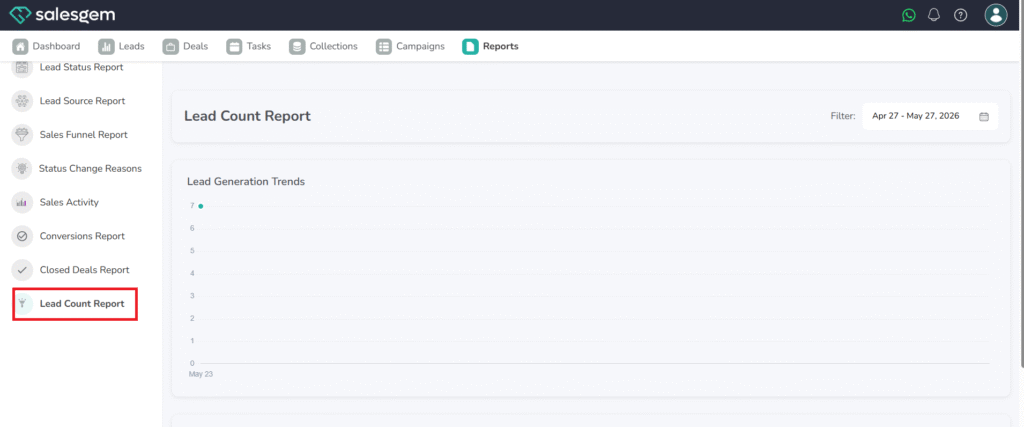
- Apply date range and filters as needed.
- Review the total count and breakdown by category.
FAQs:
- Q1: Can I see trends over time?
A: Yes, use the timeline view to track growth or decline. - Q2: Can I export this report?
A: Yes, in both CSV and PDF formats. - Q3: Does it include archived leads?
A: Only if you enable the archived leads filter.