You can change your password from the password settings in your profile to keep your account secure.
Steps:
- Log in to Salesgem.
- Go to Settings.
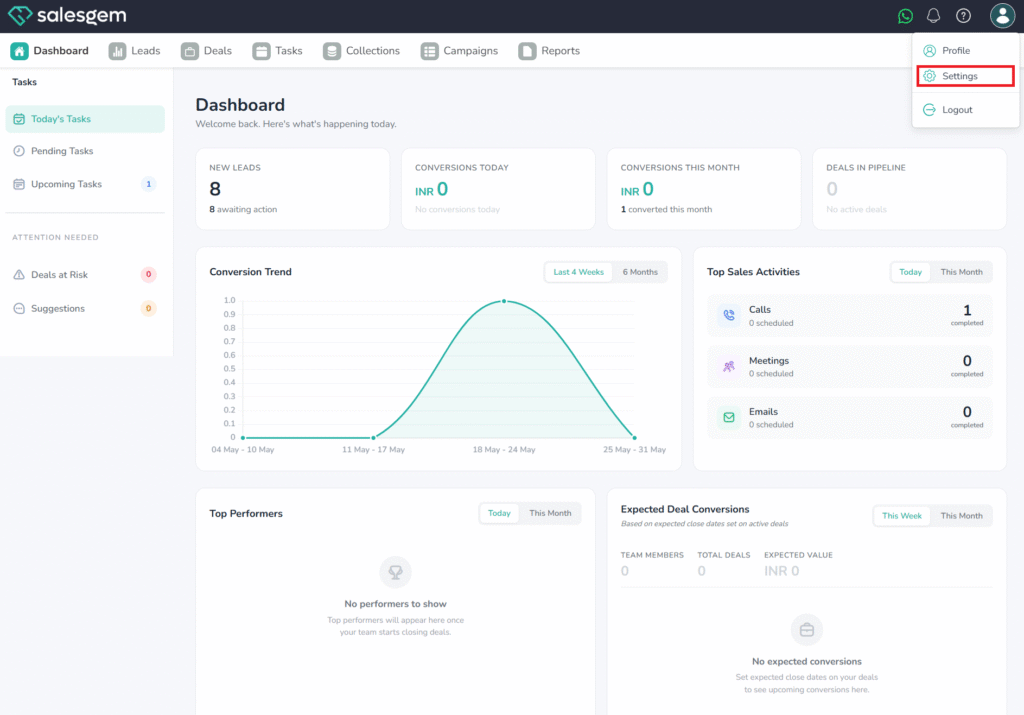
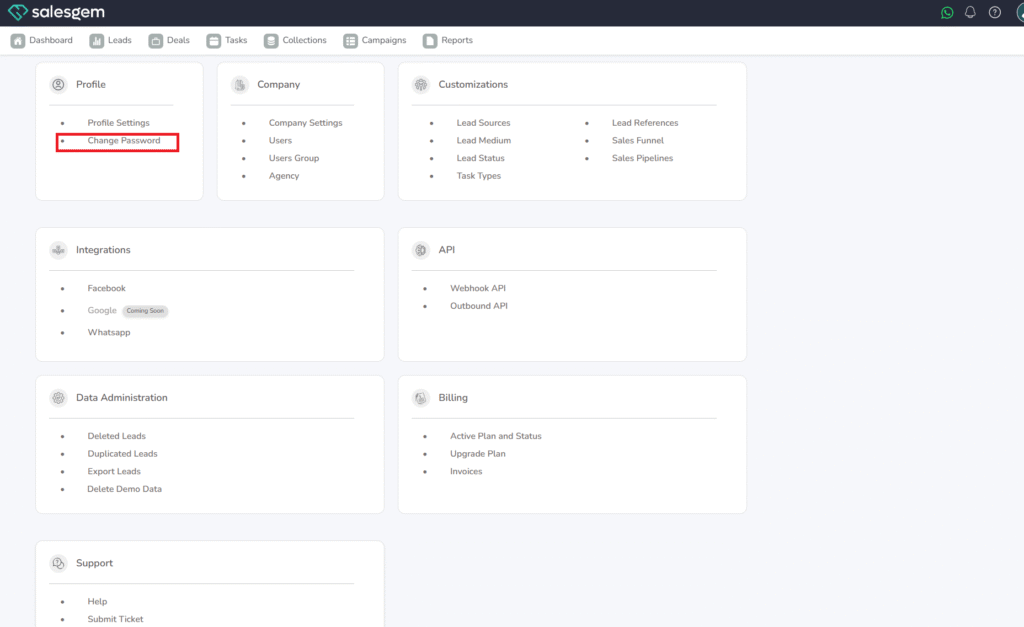
- Select Profile.
- Click Password Settings.
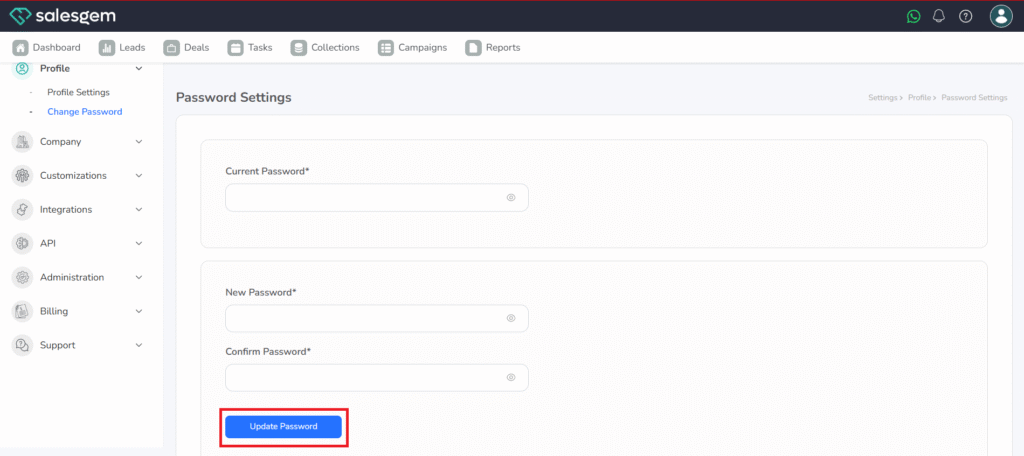
Enter your current password and your new password. Save the changes.
Q: What if I forget my password?
A: Use the Forgot Password option on the login page.
Q: What is the password format requirement?
A: At least 8 characters, including letters and numbers.